Most smart switches need a neutral wire in the switch box to power their built-in radio — the single most common thing that stops a DIY smart-switch install cold. Homes built after about 1990 usually have one; older Stockton homes often do not. A few no-neutral models exist but compromise on dimming and LED bulb compatibility. This guide walks through what a smart switch actually is, the neutral-wire gotcha, how modern 3-way and 4-way "master + companion" kits work, and when to call an electrician instead of fishing new cable yourself.
A smart switch is a wall switch with a small radio inside. It replaces the standard toggle or rocker switch in your gang box and connects to either your Wi-Fi network or to a separate hub. Once on the network, an app on your phone can turn the light on, off, dim it, schedule it, or trigger it from a voice assistant. The light itself stays normal — you are not replacing the bulb, you are replacing the switch.
That is the key difference between a smart switch and a smart bulb. A smart bulb only works when the wall switch is left on, which is awkward for anyone who is not you. A smart switch controls the circuit the way a normal switch does, so lights behave normally for guests, kids, and houseguests who do not know your app exists.
Most smart switches need constant power to run their radio, which means they need a neutral wire in the switch box. In modern wiring that is standard. In homes built before about 1990, switch boxes were often wired with only the hot and the switch leg — no neutral in the box at all.
If you pull off your switch plate and see only two wires (plus a ground), you probably do not have a neutral. A few smart switch models work without one, but they have limitations — may not dim well, may flicker LED bulbs, or may require a special bypass module at the light fixture. Running a neutral is a wall-opening job and the most common reason a smart-switch project turns into a real electrical project. See our wiring and rewiring page.
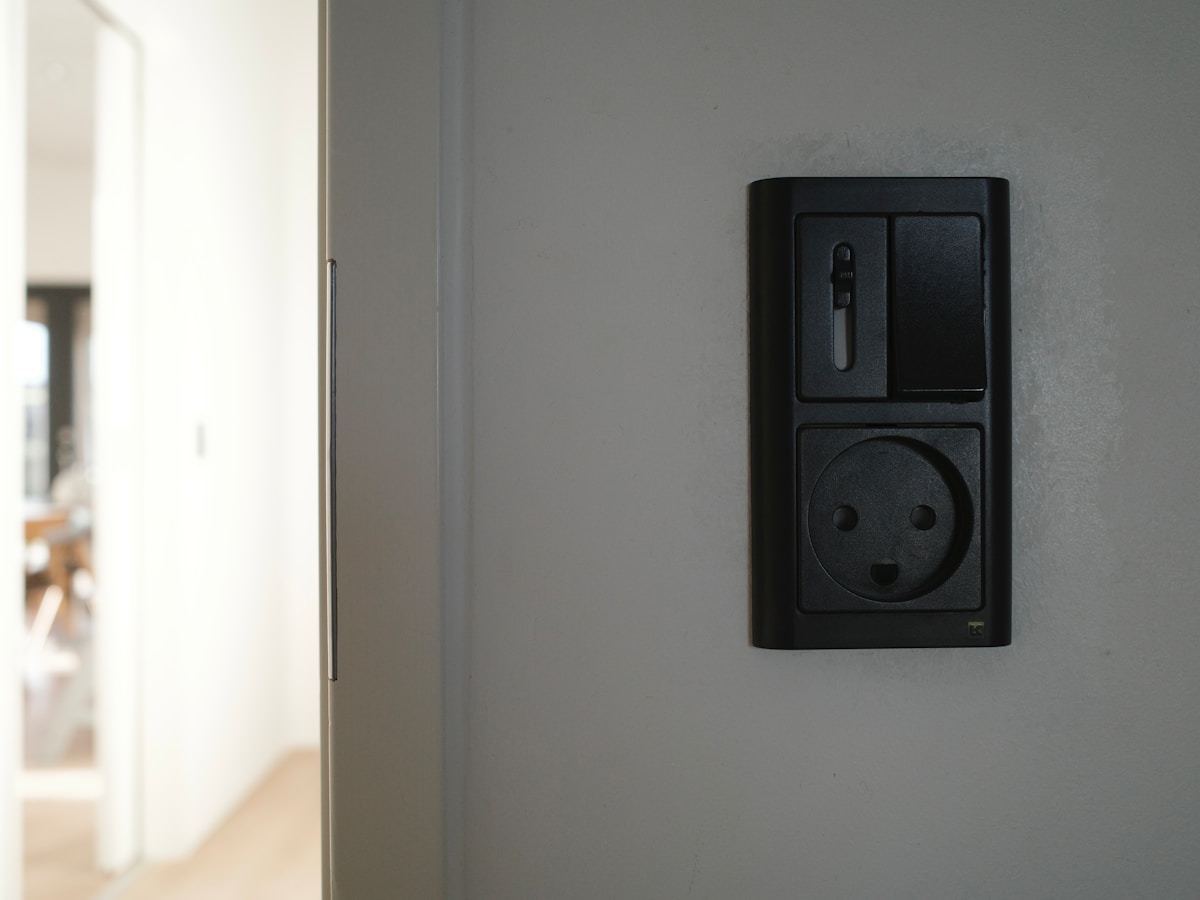
If a light is controlled by two switches (top and bottom of a stairwell, both ends of a hallway), that is a 3-way circuit. Three switches make it 4-way. Old-school smart switch installs required rewiring the whole traveler setup. The modern approach is much easier: you install one smart "master" switch that does the actual work, and replace the other switches with wireless "companion" switches that send a signal to the master. The companions do not need their own traveler wires — they communicate wirelessly. The master still needs a neutral, and the companion locations still need power. See our switch replacement page.
Wi-Fi switches (TP-Link Kasa, Wyze, Meross, most budget brands) connect directly to your home router — no extra hardware, but every switch is one more device hammering your Wi-Fi. Fine for a handful of switches. Zigbee and Z-Wave switches (Lutron Caséta, Inovelli, GE Enbrighten) need a hub but are faster, more reliable, and do not clutter Wi-Fi.
On the voice side, most decent switches work with Alexa, Google Home, and Apple HomeKit. Matter, the newer cross-ecosystem standard, is starting to make this less of a headache.
The real-world wins are simple: outdoor lights on an astronomical schedule, a "good night" voice command that turns the whole house off, dim hallway lights to 15% after 10 PM, vacation mode that mimics normal evening patterns while you are away. For plug-in lamps, a smart plug is usually easier than replacing a switch.
DIY makes sense if your boxes have neutrals, your switches are single-pole, and you are comfortable shutting off the breaker. Call a pro when you do not have a neutral, when dealing with 3- or 4-way circuits in an older home, when integrating into existing scenes or whole-house lighting, or when you just do not want to spend a Saturday fighting with wires. We coordinate across Stockton and Tracy.
Describe your electrical job and where you're located. We'll match you with the right person and get back to you fast — usually same day.
No obligation. Takes 30 seconds.